How to Create AI Voices for Game Characters: Fan Content Guide
Generate character-specific AI voices for game fan content, lore videos, scene reenactments, and cosplay. Covers voice matching, script writing, and popular character presets.
Free to sign up — no credit card required.
GamingCharacter VoiceFan ContentCosplayScene Production
Bringing Game Characters to Life with AI
Game fan communities create thousands of videos, audio dramas, and cosplay performances every day. AI voice generation lets you give those characters a voice — for lore deep-dives, scene recreations, fan trailers, and interactive content.
The key is matching the voice personality to the character archetype. A heroic protagonist sounds very different from a mysterious antagonist, and AI makes it easy to switch between characters in a single project.
Matching Voice to Character Archetype
Protagonist hero: Confident, clear, medium pace, inspiring
Mentor figure: Deep, measured, wise, with dramatic pauses
Study the character's speech patterns from the game. Do they use short sentences or long monologues? Formal or casual language? Catchphrases? Match the writing style, then let the voice generation handle the delivery.
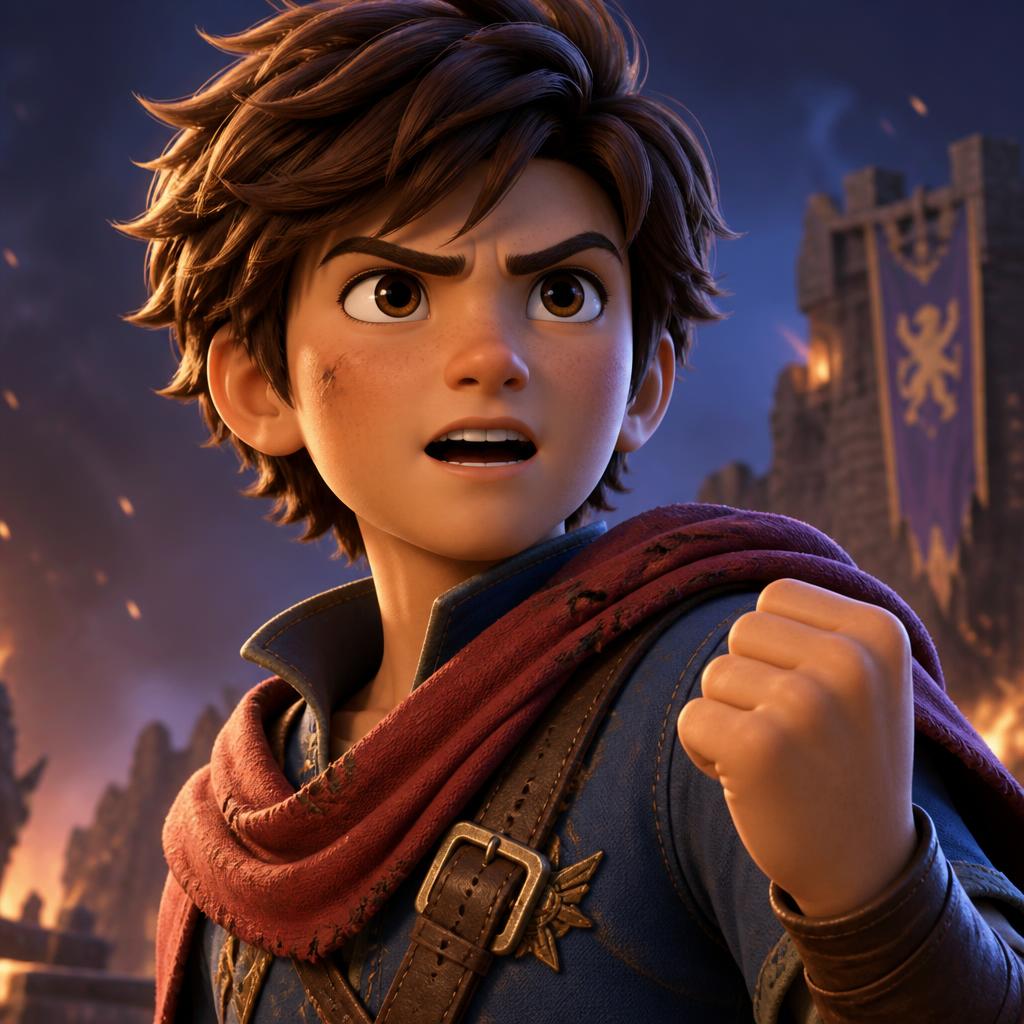
A brave young male hero voice, clear and energetic, youth...
Sample for this guide
“I don't care how strong the enemy is. As long as I can hold this sword, I'll protect everyone. That's what being a hero means!”
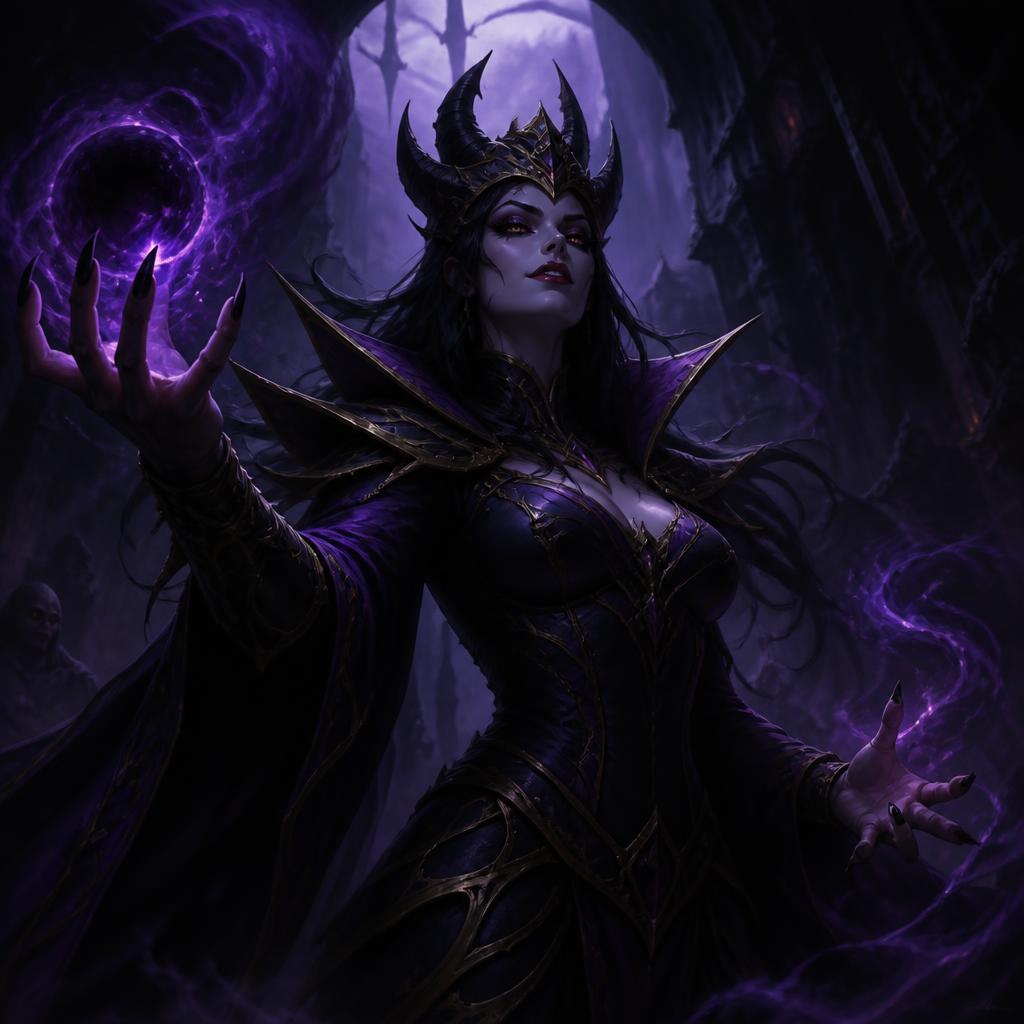
Evil Sorceress
A dark evil sorceress voice, smooth but threatening, low ...
Sample for this guide
“You think you can stop me? How adorable. I've been weaving spells since before your grandmother was born. This world bends to my will.”
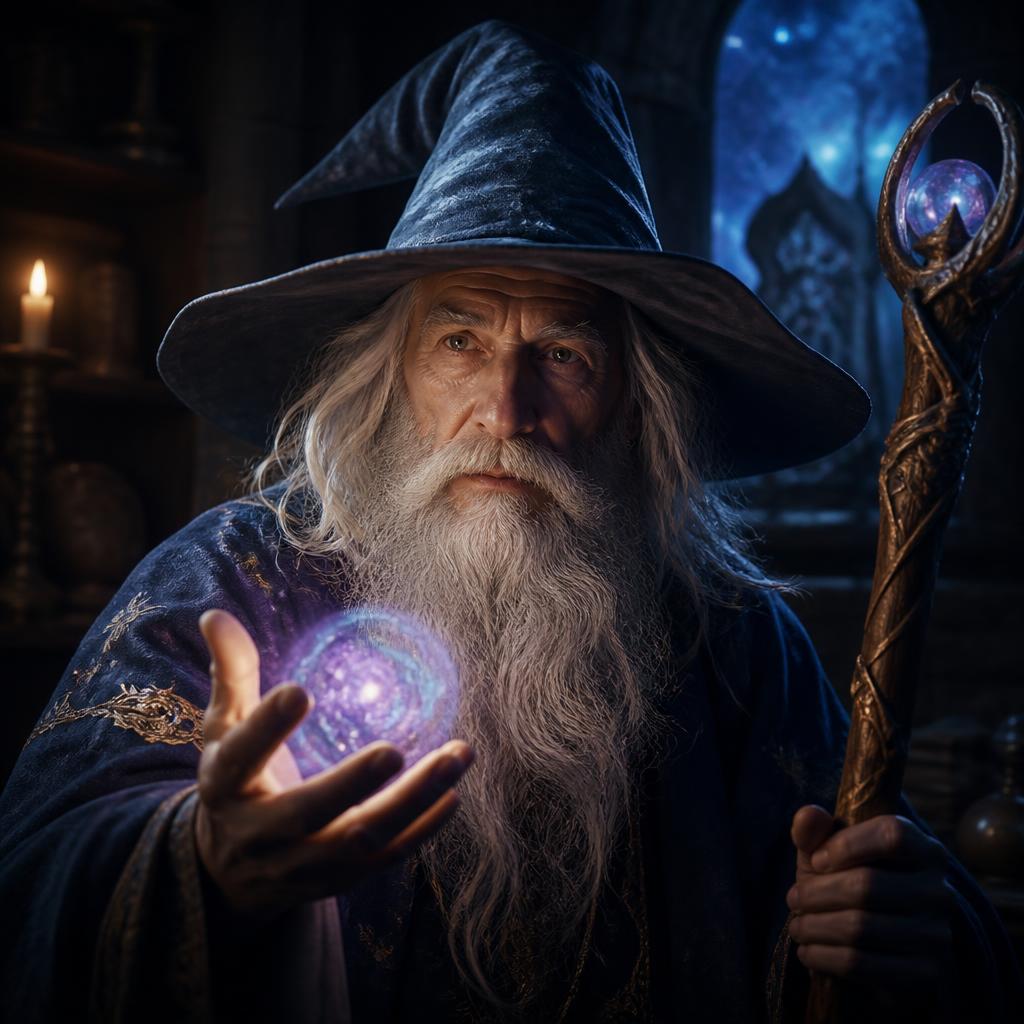
Wise Old Wizard
A wise old male wizard voice, deep and slightly raspy, sl...
Sample for this guide
“Patience, young one. The path to power is not through force, but through understanding. Watch carefully, and you may learn something.”
Step-by-step workflow
1
Study the character's voice personality
Listen to the character's in-game lines. Note their pitch, pace, emotional range, and verbal quirks. Write these down as voice-matching notes.
2
Select a matching voice preset
Browse CharaVox presets and find one that matches the archetype. Hero characters work with brave, energetic presets. Villains match deep, dramatic ones.
3
Write in-character dialogue
Use the character's speech patterns, vocabulary, and emotional tone. Keep lines under 30 seconds for best generation quality.
4
Generate and layer for scenes
Generate each character's lines separately, then layer them in your audio or video editor to create multi-character scenes.
Common questions
Can I make characters sound exactly like in the game?
AI voices produce original performances in the character's style rather than direct copies. Focus on matching the personality and speech patterns for the best fan content.
Is it legal to use AI voices for game fan content?
Fan content generally falls under fair use for non-commercial creative work. Avoid monetizing content that directly impersonates copyrighted voice performances.
How do I create conversations between multiple characters?
Generate each character's lines as separate audio clips, then arrange them with natural pauses in a video or audio editor. Add slight volume variations for realism.