How to Create Unique AI Voices for Animation and Storytelling
Design distinctive character voices for animations, audio dramas, visual novels, and interactive stories using AI voice generation. Covers character voice design, dialogue workflow, and multi-character production.
Every memorable animated character has a voice that's instantly recognizable. Think of your favorite cartoon — you can probably hear the character's voice just from reading their name. With AI voice generation, independent creators can now give unique voices to every character in their stories.
The process starts with character design. Before choosing a voice, define the character's personality, age, background, and emotional range. A character's voice should feel like a natural extension of who they are.
Designing Character Voice Profiles
Create a voice profile for each character:
Pitch: High (childlike, energetic), medium (neutral, relatable), low (authoritative, mysterious)
Pace: Fast (nervous, excited), medium (conversational), slow (wise, menacing)
Write the full scene as a script with character labels. Generate each character's lines separately using their assigned voice preset. Then assemble in an audio editor with natural pauses between speakers, slight overlaps for interruptions, and ambient background for scene setting.
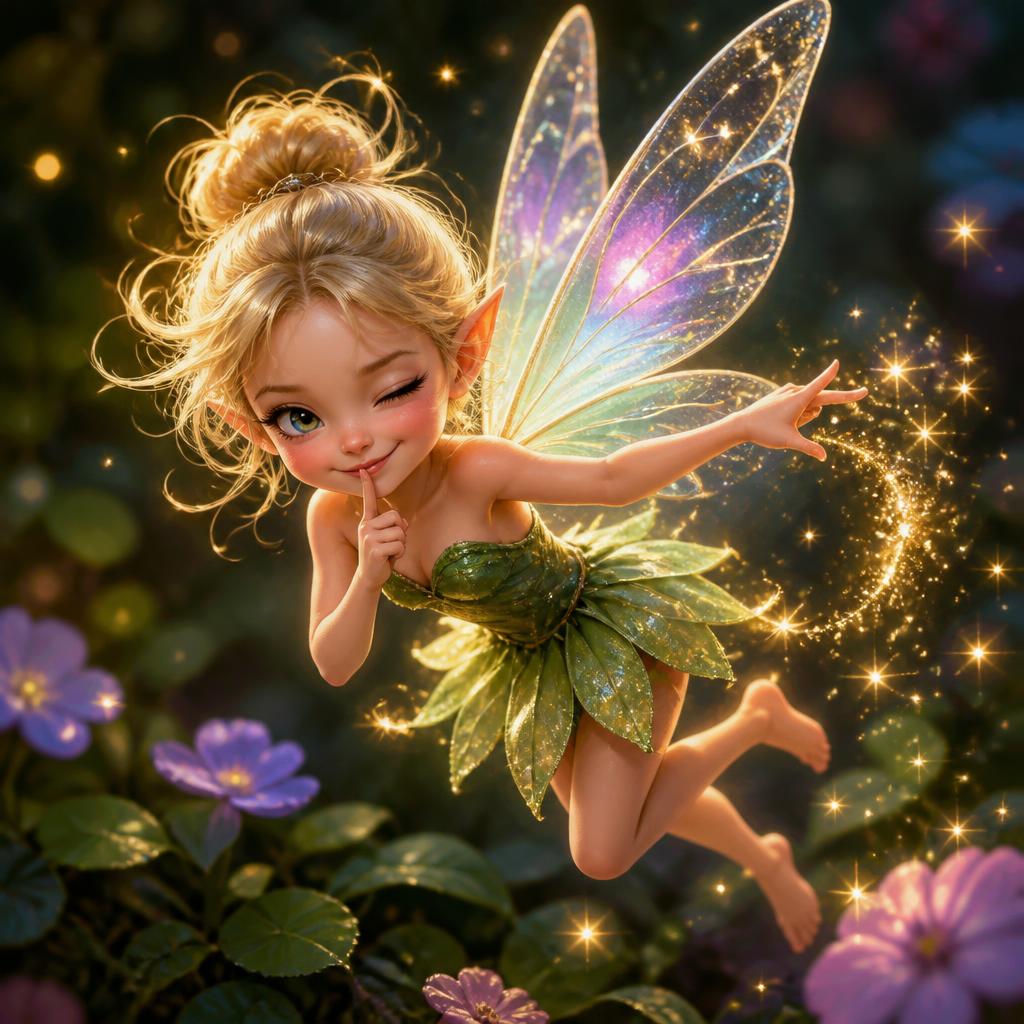
A mischievous fairy voice, tiny and sparkling, high-pitch...
Sample for this guide
“Oh, you want to go through the enchanted forest? Hehe, I suppose I could show you the way. But it'll cost you one shiny secret.”
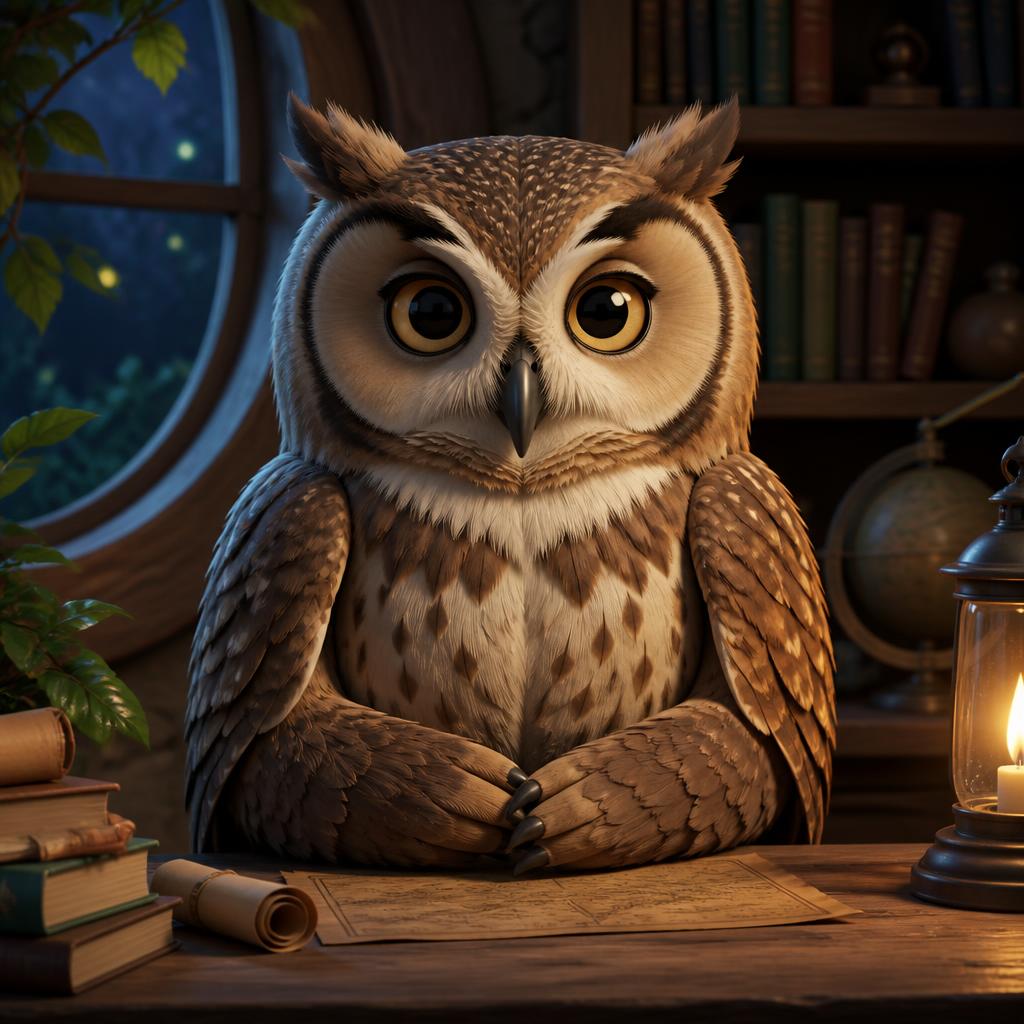
Talking Owl
A talking owl voice, wise and calm, deep soft tone, slow ...
Sample for this guide
“The answer, my dear friend, has been sitting right under your beak this entire time. You simply refused to see it because it wasn't what you wanted to hear.”
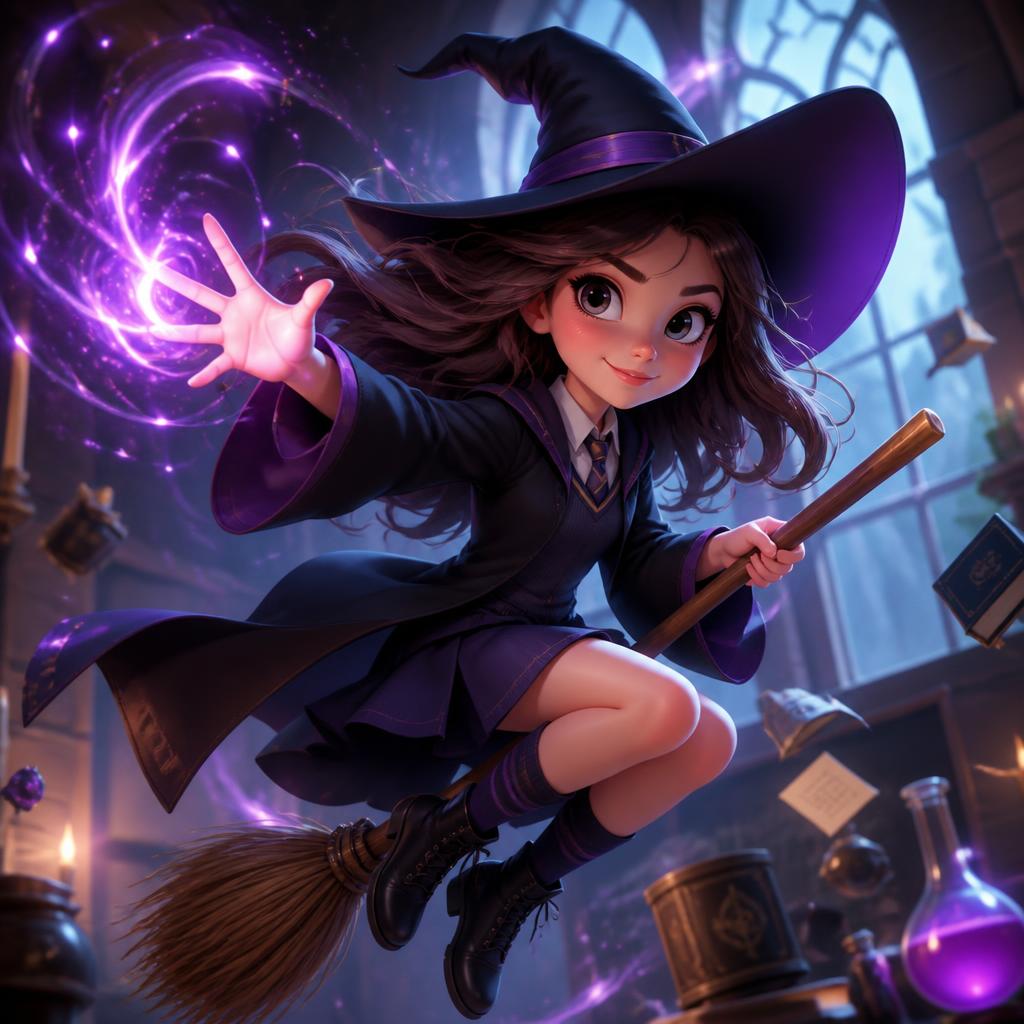
Young Witch
A young witch voice, confident and playful, medium-high f...
Sample for this guide
“I didn't mean to turn the cat purple! It was supposed to be a simple levitation charm. Okay, fine, I'll fix it. But you have to admit, purple is his color.”
Step-by-step workflow
1
Create character voice profiles
For each character, define pitch, pace, tone, and any vocal quirks. Write a 2-3 sentence sample line that captures their personality.
2
Assign voice presets to characters
Browse CharaVox presets and match each character to a voice. Test each preset with the character's sample line. Adjust assignments based on how natural the fit feels.
3
Write dialogue with character labels
Format your script with character names as labels. Include stage directions for emotion and timing. Keep each line under 20 seconds.
4
Generate, assemble, and mix
Generate each character's lines separately. Assemble in an audio editor with pauses, background ambience, and optional sound effects. Export the final scene.
Common questions
How many different character voices can I create?
CharaVox offers 50+ preset character voices, each with a distinct personality. You can also adjust scripts to change delivery within a single preset for more variation.
Can AI voices express different emotions?
Yes, the same voice preset can deliver different emotions based on the script. Punctuation, sentence length, and word choice all influence the emotional delivery.
How do I make conversations sound natural?
Generate lines separately per character, then assemble with 0.5-1 second pauses between speakers. Add slight overlap for interruptions. Keep ambient background consistent across the scene.